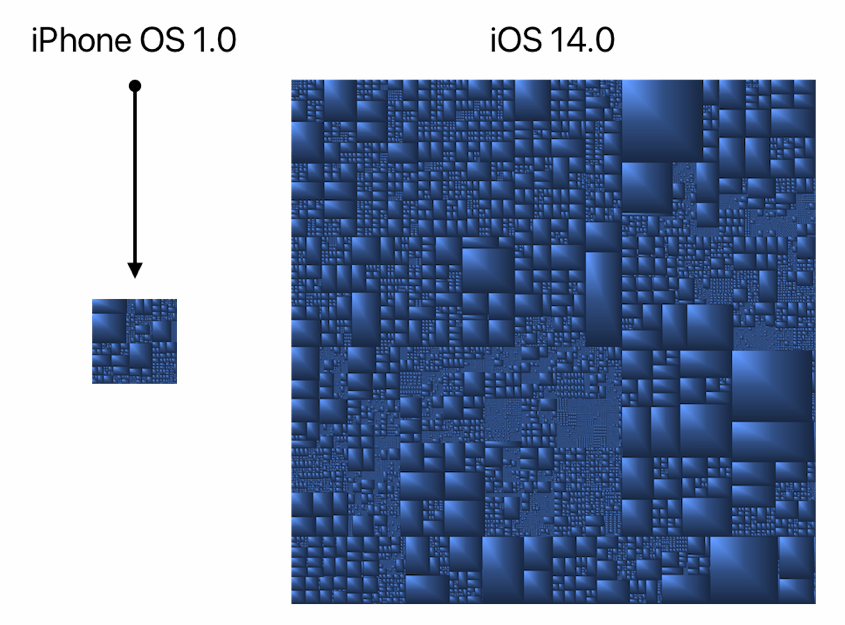
👉 Comparing iPhone OS 1.0 with iOS 14 using tree maps
Did you ever wonder how much more complex iOS is getting over time? If so, then here you are, friend: the files from the original 2007 iOS compared side-by-side with today’s iOS. 🤯
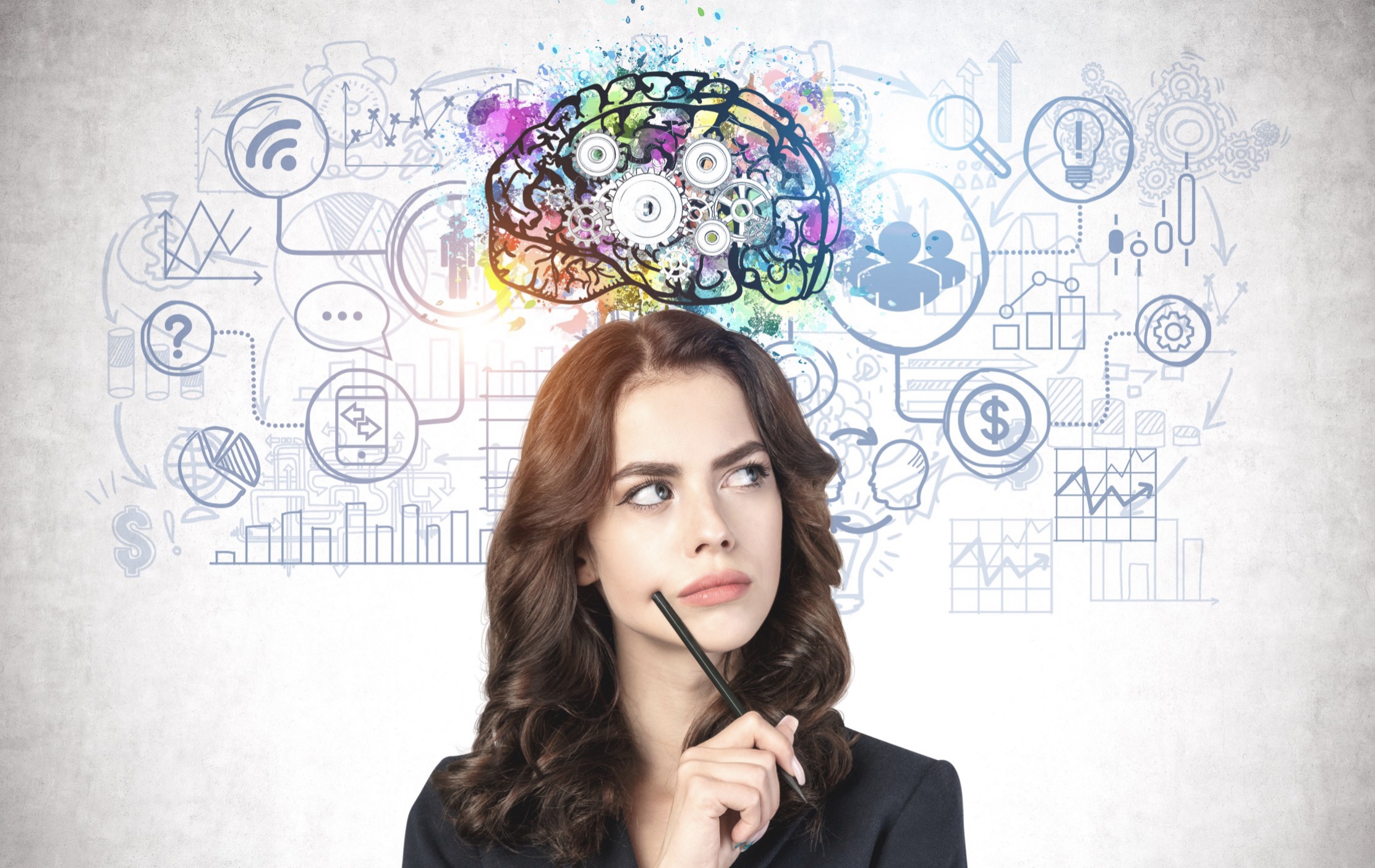
I love the idea that your brain makes its most interesting breakthroughs and connections when you’re not actively thinking. It is well stated in this article.
With really interesting problems, you usually don’t need to think harder. You need to relax and let you mind do its thing while you sleep or do errands. That is when genius strikes. ⚡️
Creativity is all about making interesting connections. Albert Einstein called it “combination play.”
In my experience, this unconscious combo play is important for figuring out what do to and not so much how to do it. Once the what is clear in your mind, it can be followed by all the conscious thinking and hard work to get it done. Unfortunately, that part does not happen in your sleep. 😉
As a side note, there is also a beautiful space when your mind is so immediate and present that is simply doesn’t have time to think. This is what I like about improv. And also baseball.
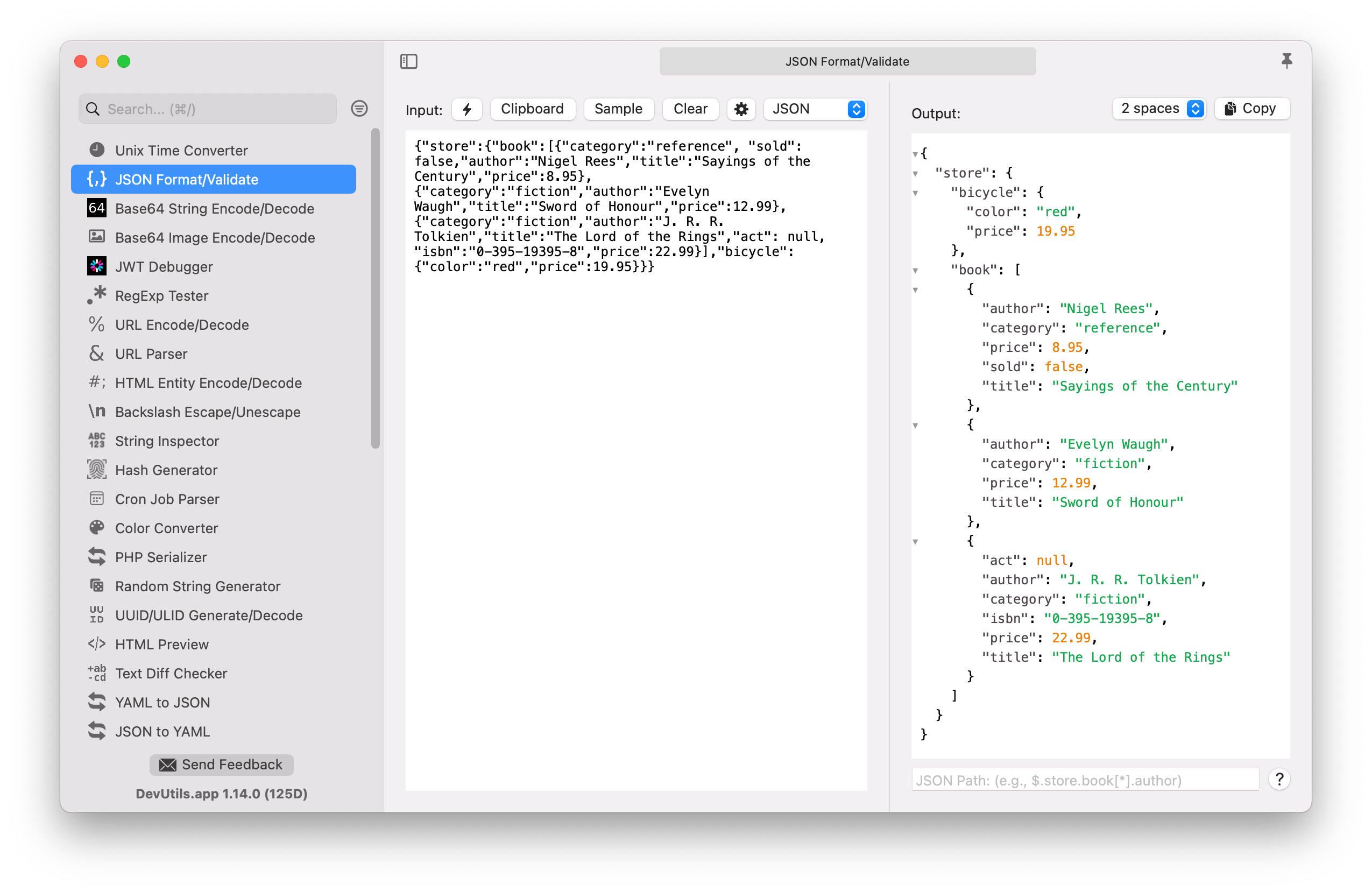
I get so annoyed when I find myself using random websites 🤮 or all different apps 🤷🏻♂️ to do things like format JSON, test regex’s, encode/decode Base64, encode/decode URLs, or convert Unix time strings.
This nifty little Mac app does all the basic things any developer regularly needs natively, locally, and offline. And it’s free if you build it yourself. Or pay for the official build. Up to you.
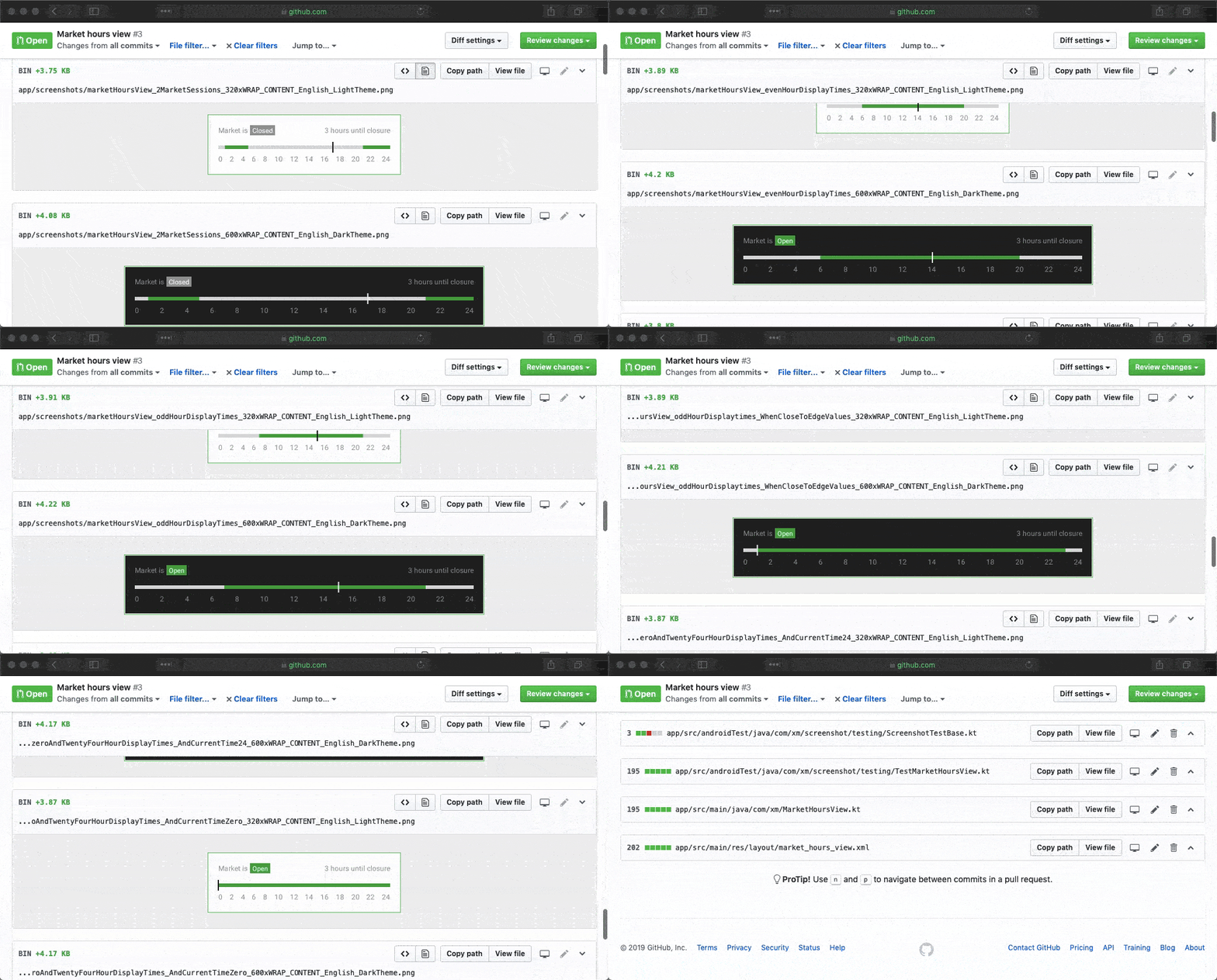
The coolest thing is that you actually upload your screenshots in any new pull requests, so you can literally see what the change is all about (“The perfect pull request”). 🤯


 Mental Break Town