Songs

Thunder Road – shoegaze with Springsteen 🎸

As previously posted, I’ve been having a heck of a tricky time nailing down my Thunder Road cover.

The song is long and fast and has lots of words. It does not follow anything close to a standard rock song format. The chords are complex and unpredictable.

Being a total amateur, I specialize in covers of basic three-chord songs, so this craziness is hard for me.

But I like the challenge.

To a point.

Always an AI skeptic – but seeing glimmers of fun and utility – AI seems to have come to the rescue again. I don’t want AI to create music for me, but rather to help me create music.

it started when this music app called Moises recently won an Apple Design Award as iPad app of the year, so I decided to give it a try.

👉Btw I’m not trying to sell anyone’s apps here – this isn’t advertising. I don’t make a cent off of this blog. I just think it’s cool, so keep reading…

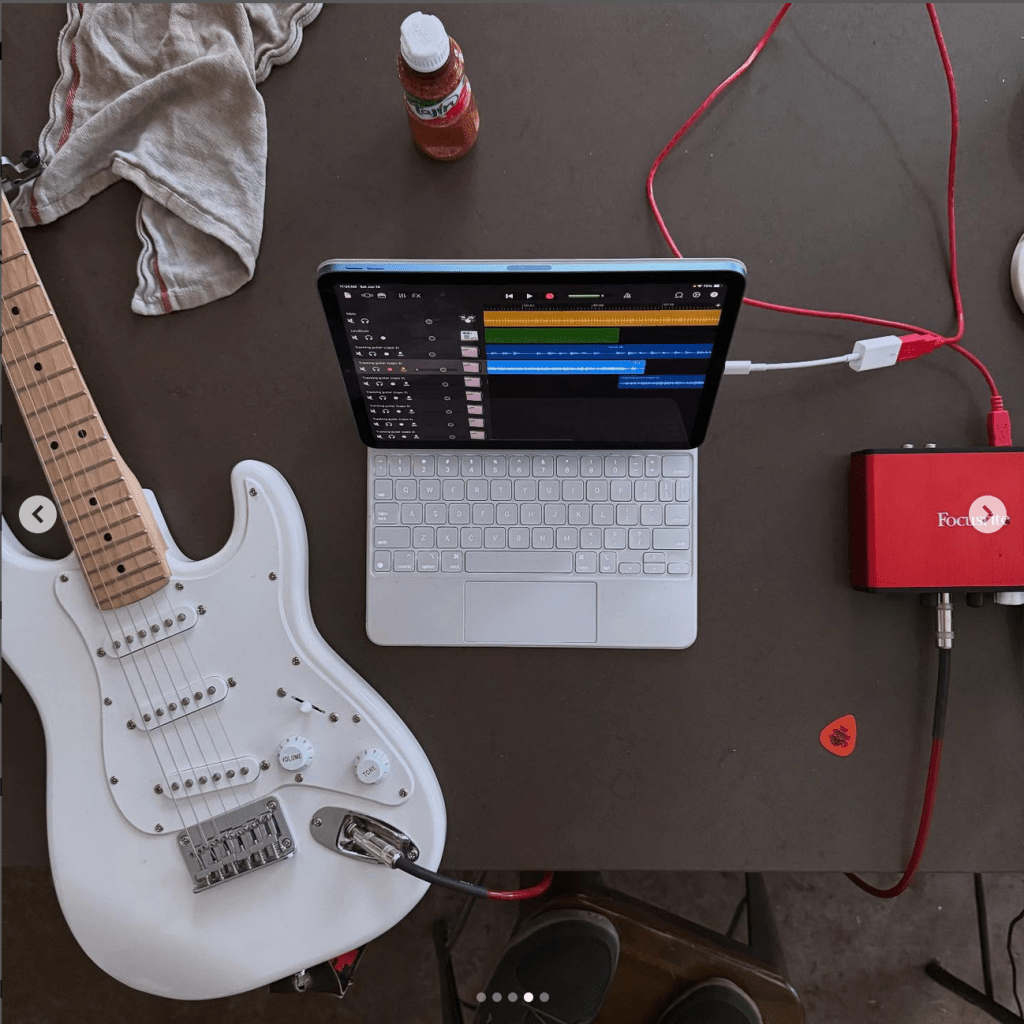
With Moises + GarageBand on my iPad, I was able to:

  1. Separate out Bruce’s vocals from the instruments in the original Thunder Road track
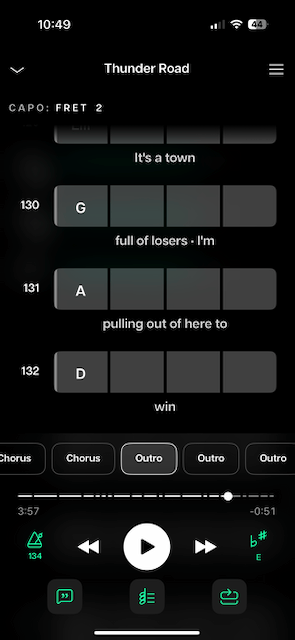
  2. Slow the song down from 141 bpm (wtf?) to a slightly more reasonable 134.
  3. Transpose the song down one key from F to E (because apparently I sing lower than Bruce??)
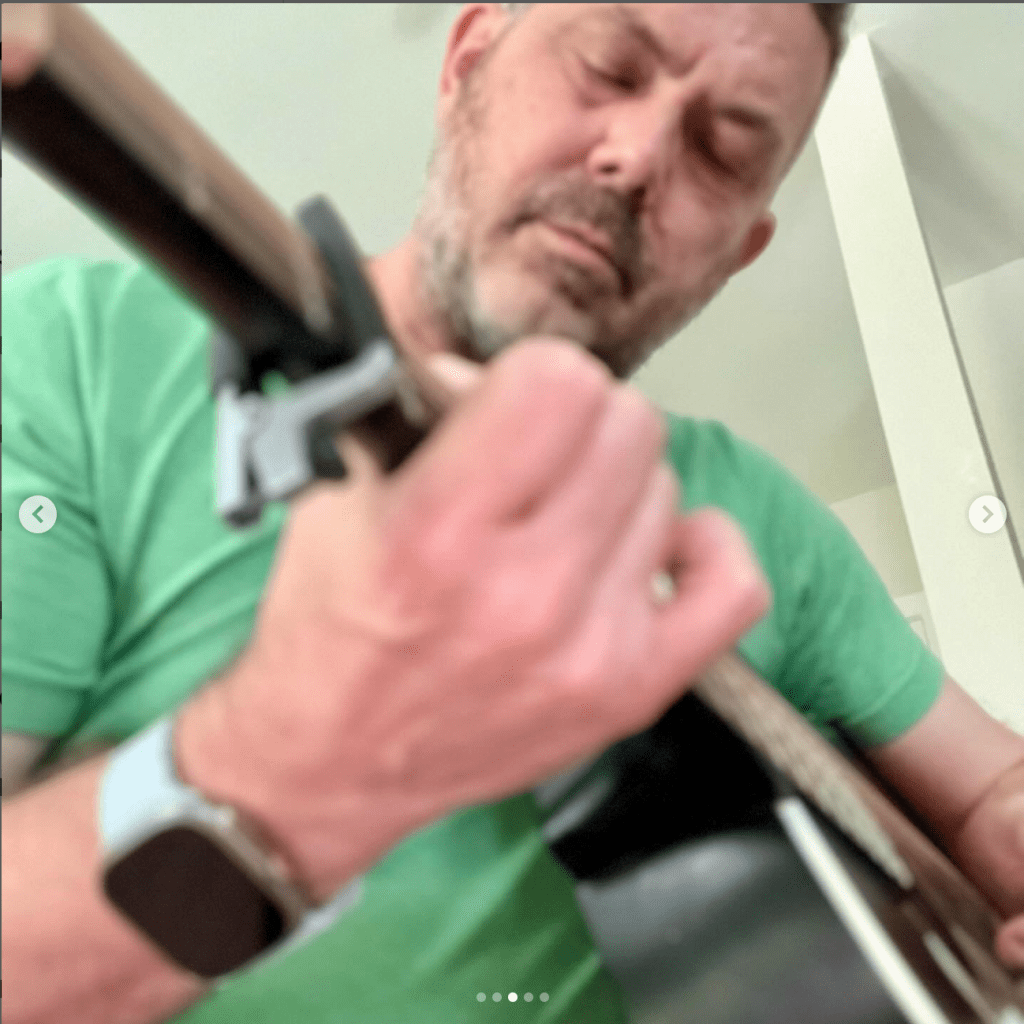
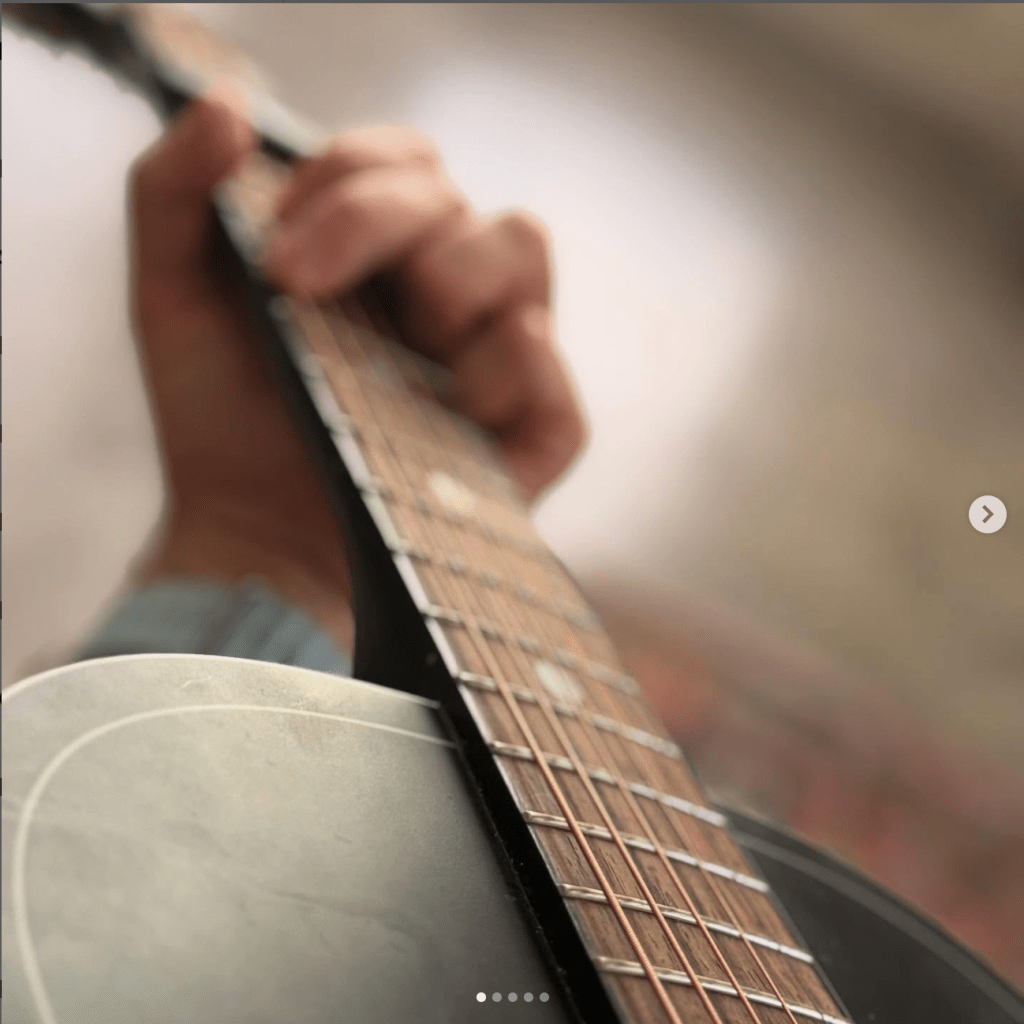
  4. Get the chords simplified and displayed for in real-time me as the song plays, set at a capo on the second fret (because I just like that sound). So I could just basically play along and record that.
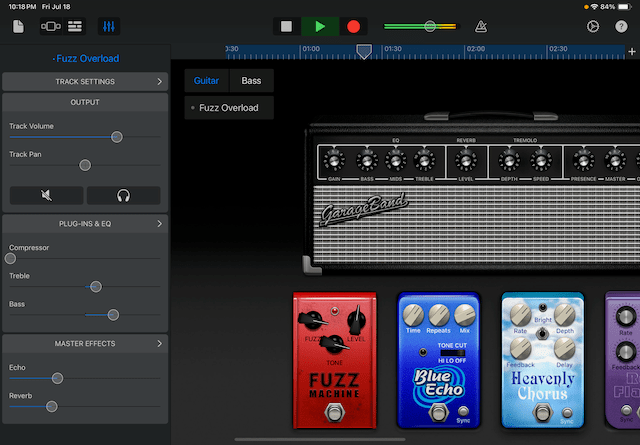
  5. Finally keep my guitar recording (a very dirty shoegaze sound) and mute Bruce and the E Street Band.

So I ended up up with my very rough guitar and kept Bruce’s vocals – all in one take (which is why it’s so rough). It’s just a proof of concept, but here it is: me playing grungy guitar while Bruce sings. Crazy!

Pardon it’s so messy. Sure, the sound is meant to be messy, but also this is the very first take and only a proof of concept.

My next step will be to sing the song myself, remove Bruce’s vocals, add my own drums and bass and maybe keys. And that will be my cover.

Stay tuned.

Songs

“I’m On Fire” – Casey clean remaster 🔉

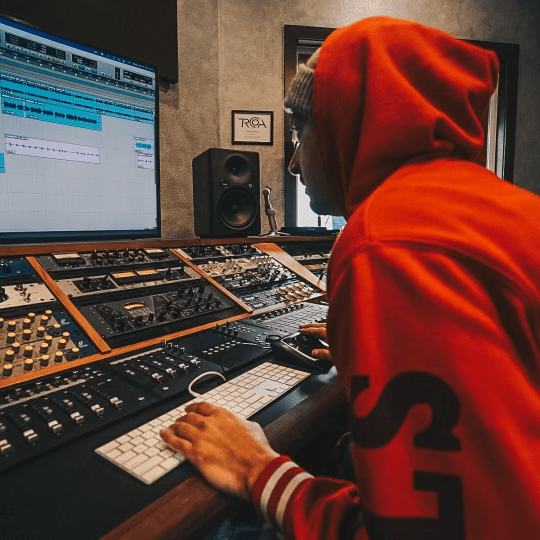
My sound engineer buddy Casey heard my original cover of I’m On Fire and offered to “get this song sounding real good.” So I handed him my original stems and waited to hear what he could do.

My song did need a remaster from a pro. I had been focused mostly on performing the song and just wanted to get it out the door, so I kind of rushed the final master.

While I was happy to have sang my first song and enjoyed the result, I had made a few beginner’s mistakes in the recording and the final mix.

  • I had wanted a Johnny Cash “live at Folsom” type of sound, but ended up with an exaggerated echo.
  • I had recorded the vocals with a cheap guitar adapter and ended up with a lot of noise and low volume.
  • I had mixed everything with headphones and forgot to check the final mix on speakers, where most people would be listing to it most of the time.

Casey was looking for a challenge and jumped on it. He cleaned everything up, especially the vocals, which he somehow salvaged. He insisted that I sound just like Johnny Cash. I’m not so sure, but I’ll take the compliment.

He let the instruments breath more and gave the drums some nice crunch.

So here’s the Casey remaster. You can also find it on SoundCloud and Spotify.

And my original “echo deluxe” master.

What do you think?

Casey is happy to cleanup any audio, including music or podcasts, so feel free to reach out to him. I believe he’ll even do the first job for a tip.

Songs

“I’m On Fire” stems

A friend offered to remaster my I’m On Fire cover.

This song needs it!

Among other things, for the original master, I made the mistake of listening to the final mix only on headphones. 🎧 And I made the original pretty darn echoey in an attempt to compensate for my very basic singing.

So I’m putting the stems (tracks) here for my friend (or anyone) to download and play with.

Stream the original mix.

Songs

And finally, SoundCloud ☁️

A few months ago, I knocked off a bucket list item by recording a song with a friend who can sing.

The actual bucket list item was “Make a song that I can play in my car using Siri that I actually enjoy.” 😉 So I made sure to get it out on all the streaming sites.

I followed this up by taking a shot at singing and got that out to there too.

But the one streaming service I missed, and probably the most helpful as a musician, was SoundCloud. This site is a little more artist-oriented. You can upload songs instantly, give and get feedback, and basically do whatever you want without going through a distributor.

So here’s my new SoundCloud account.

I have a couple new songs in the works, but none good enough yet to post here even by show-your-work standards. When I do post something, it’ll go SoundCloud first.