Software Dev

At a glance: stack views

Next up in iOS at a glance series, where I give you a quick visual about an iOS development concept, we’ll jump into stack views.

Sticking with old-school UIKit concepts a little conger, stack views give us a simple way (pre-SwiftUI) to lay out a screen without a bunch of constraints, which can quickly become ungainly.

Stack views just organize subviews in a row, either vertically or horizontally. Stack views can be combined with each other as well to create complex layouts, such as below.

Stack views are typically invisible and only used to contain other views, so what we actuality see is this.

So there it is: stack views boiled down to a quick visual. Of course, the topic goes much deeper, including options for distribution, alignment, and spacing.

entertainment · Quotes

“I wasn’t making any waves, so l made a decision.”

I always love a good story of transformation.

The documentary STEVE (martin) tells the story of a really awkward, out-of-place aspiring comedian who wants to do something genuinely new but was initially failing badly.

It is cringe-worthy at times. What is this guy doing?

But Steve keeps relentlessly trying things, observing, and changing. It goes something like this (so far)…


Is there a future for me as a magician?

-> No, that looks like a dead end. Let’s try comedy.

Should I follow the classic comedy conventions like using “indicators” to signal when the punch line happened?

-> Nope. Let the awkward tensions build naturally and see what happens.

Should I open for other acts and perform for 1000 people who are there to see someone else?

-> Nope. This is getting me nowhere. I’d rather headline for 50 people who actually want to see me.


And finally, this long-haired comedian who looked he was “trying to be the Eagles” decided to change his whole look and attitude. I just like the clarity he finds.

I wasn’t making any waves, so l made a decision.

Instead of being at the tail end of an old movement, I’ll be at the front end of a new one.

And he follows it up with action.

And so l decided, “Okay, I’m putting on a suit, I’m putting on a tie and I’m cutting my hair.”

Instead of looking like a hippie from the ’60s, I’ll look like somebody new from the ’70s.

And of course kind of a punch line.

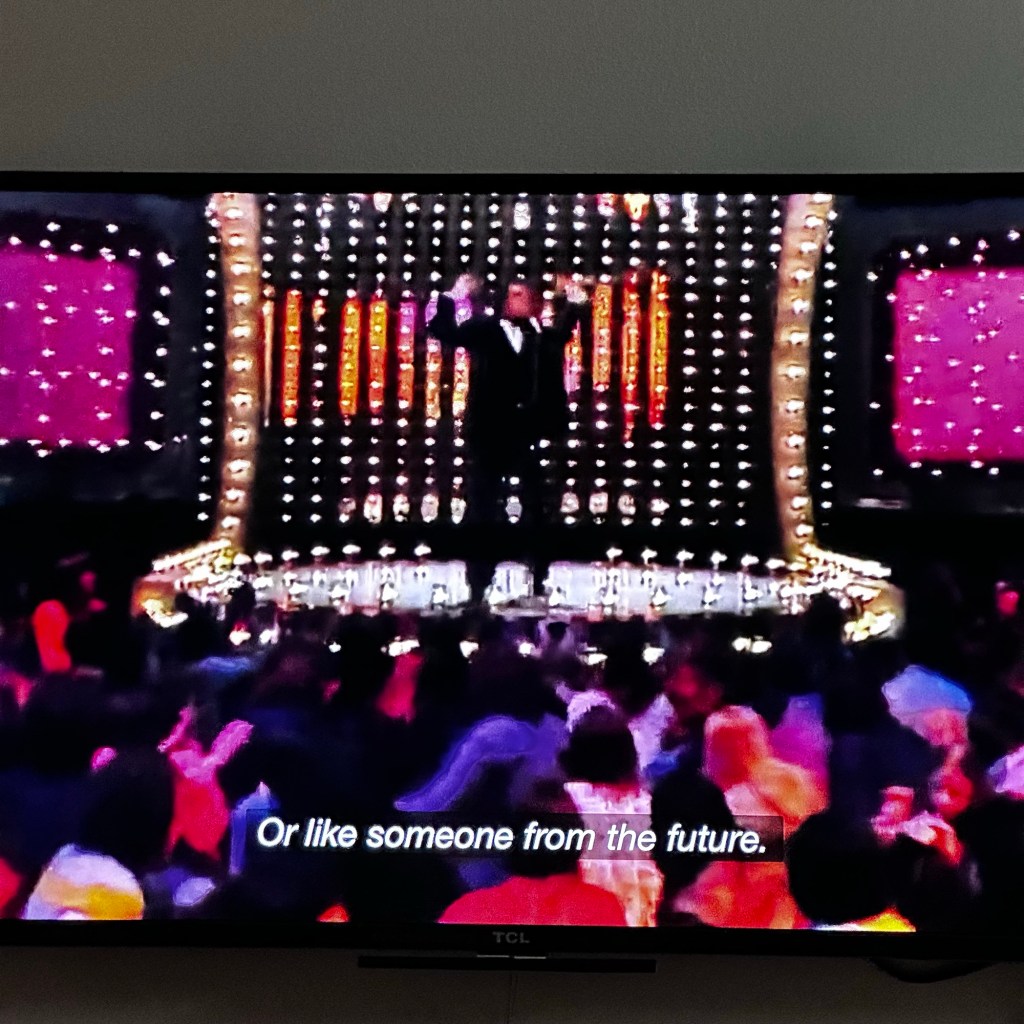
Or like someone from the future.

Someone from the future indeed. He was about to become the biggest comedian in the world.

STEVE (martin)
STEVE (martin)
Software Dev

At a glance: hugging and resistance on iOS

Continuing the iOS at a glance series, giving you a quick visual of an iOS concept, let’s jump to and old and simple, but oddly confusing, topic: content-hugging priority and compression-resistance priority!

Okay, that is a mouthful for two simple, related ideas.

Apple is great at giving its consumer products some nice, catchy names. But the APIs? Well, they’re working on it. These are the guys who, long ago, gave us the “Autoresizing mask”.

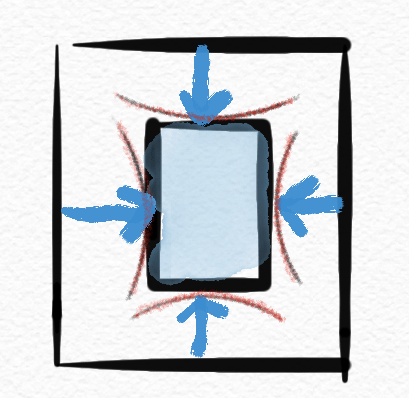
Content hugging priority is basically how much a view “wants” to shrink down to its minimal size when put under pressure.

I’ll just call this “shrink-wrap-iness” because it shrinks down like plastic wrap.

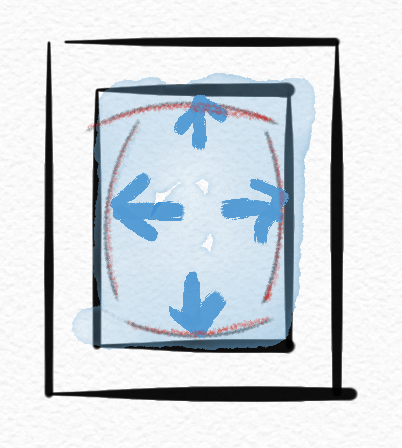
While compression resistence priority is how much a view “wants” to expand when given the space.

I’ll call this “balloon-iness” because it expands like a balloon.

The higher the value in any direction, the “more” the view prioritizes that stance compared to other views.

So there it is at a glance. ✅ Hopefully that makes the idea more memorable, at least.

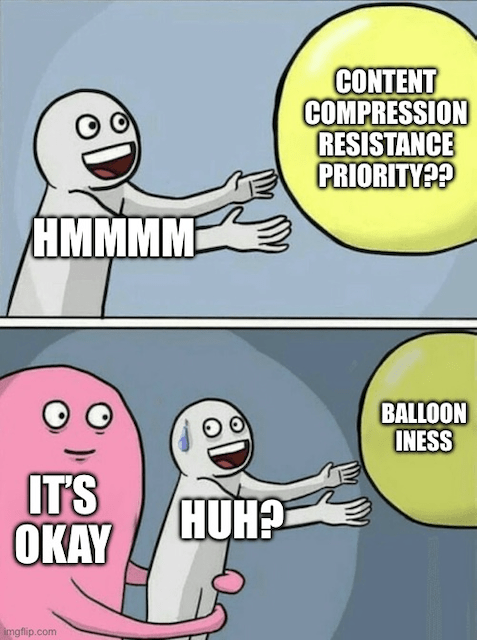
If that doesn’t help, maybe this will. 😉

For details and concrete examples, check out this article or this tutorial.