Software Dev

Autoresizing at a glance ⍈

Kicking off the iOS development “at a glance” series, we’ll start pretty basic: autoresizing.

Autoresizing was Apple’s first shot in the days of yore (iOS 2, circa 2011) at letting early iPhone views rearrange themselves (this is the “auto” part) in response to screen rotations. It was limited and clumsy, as was pretty much all of iOS at the time. Mail, contacts, calendars, and the App Store were new features on the iPhone.

So autoresizing makes for a fitting intro to this series.

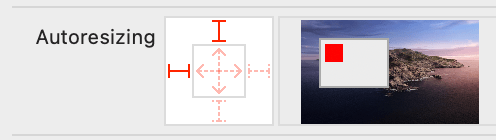
Autoresizing allows the developer to specify how one view relates to its super-view as far as its size and margins, and which parts are are flexible vs. fixed.
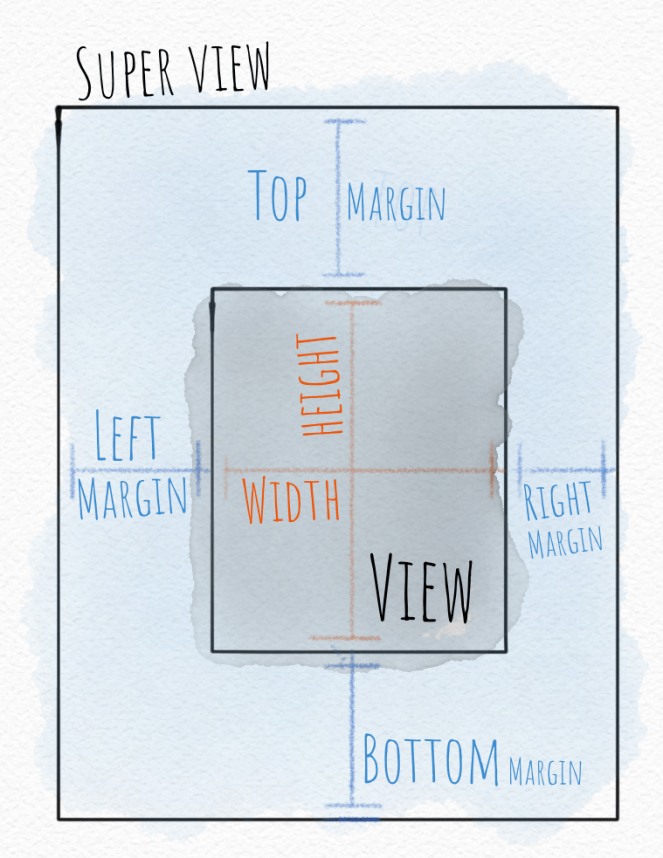
In the days since autoresizing was introduced, more capable layout tools like Auto Layout with constraints and now SwiftUI have been introduced.

But you’ll still see the autoresizing “mask” (an old-school programming term) hiding out in the Size Inspector in Xcode under the View section. If you wondered what that was, now you know.
Software Dev

iOS development “at a glance”

Since I’m learning to draw and also reviewing some of the fundamentals of iOS development for work, I’ve decided, for maximum impact, to do both the same time. 🤯

My theory is that boiling down a complex idea into a simple picture will help me (and you) understand that idea better. 🙌

So I’m starting an “at a glance” series for iOS development.

I’ll be taking concepts from iOS development and presenting them as a simple picture, like a cheat sheet. Even if you’re not a developer, maybe you’ll still find them interesting.

After all: who doesn’t love a picture?

Stay tuned. We’re starting small. First up: old school layout with autoresizing.

You

Be a (good) shark 🦈

This Medium post lists some great ways to make your life easier: Focus on next steps. Be present. Say no a lot. Focus on one thing.

One really surprised me, though: speed up.

I was going to add a point about slowing down but then decided to mix things up a bit and go the other way.

Alex Mathers

I second that idea. 👍

“Speeding up” is what I like to think of as relaxed focus. Just keep moving forward; the motion keeps your momentum up and keeps your thoughts and actions fresh and relevant. No more paralysis of analysis.

Get moving. Prioritise a kind of fluid, calm urgency in your life.

Now, Ted Lasso said “Be a goldfish“, but I’m going to say “Be a shark.”

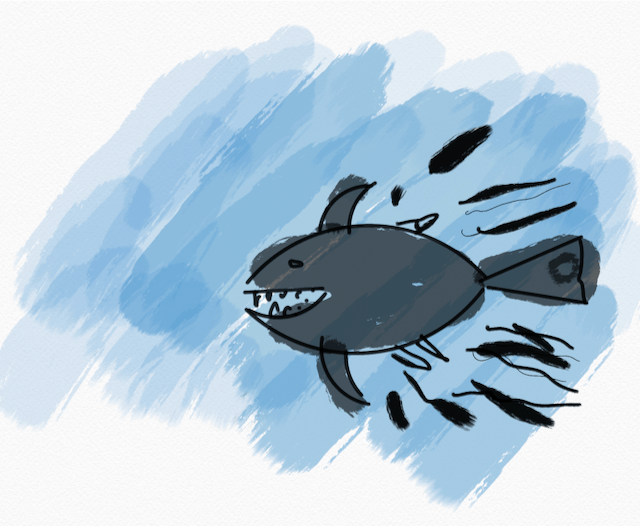
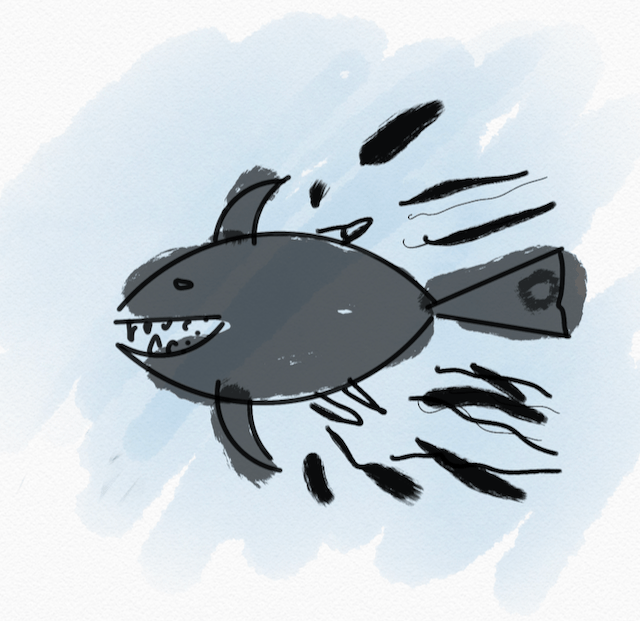
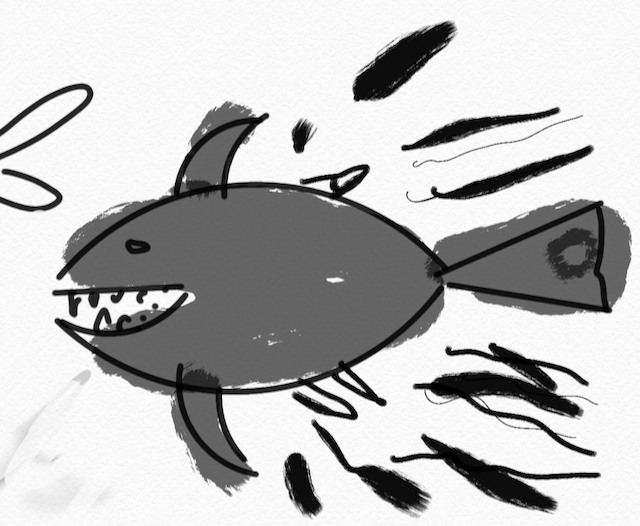
A quick drawing of a shark moving quickly.

Okay, a shark is a deadly predator. Don’t do that; set that aside for a minute.

The best quality about sharks is that they understand relaxed focus. A shark is always moving purposefully, but it’s never in a hurry.  A shark don’t stop or wallow or get bored or frustrated.  A shark is always going somewhere and always has a plan. A shark’s movement seems to feed its energy rather than expend it.

So in life, be a shark. Keep moving purposefully and own your little neck of the ocean.

See also

“Creativity is not a talent. It is a way of operating.”

“How can a guy think and hit at the same time?”

Drawings

Shark variations

I wanted to do a shark as my next little drawing challenge.

I used an ellipse tool and a ruler with dark black ink for the basic shape, then added some watercolor for an intentional contrast in style and color. I played around with a few background layers; I think I like the medium-blue one best.

This sketch took about 10 minutes on my iPad as a little break after shopping at a Whole Foods, at which point I was happy with it, so I stopped.

It is a perfect shark drawing? No. Did I have fun doing it? yes.