
I was going to frame and hang this old sketch, but is tabletop art a thing? ✏️ #sketch #drawing #furniture #art #blackandwhite #austin #texas #atx #shotoniphone via Instagram https://instagr.am/p/C941pRUO7bX/
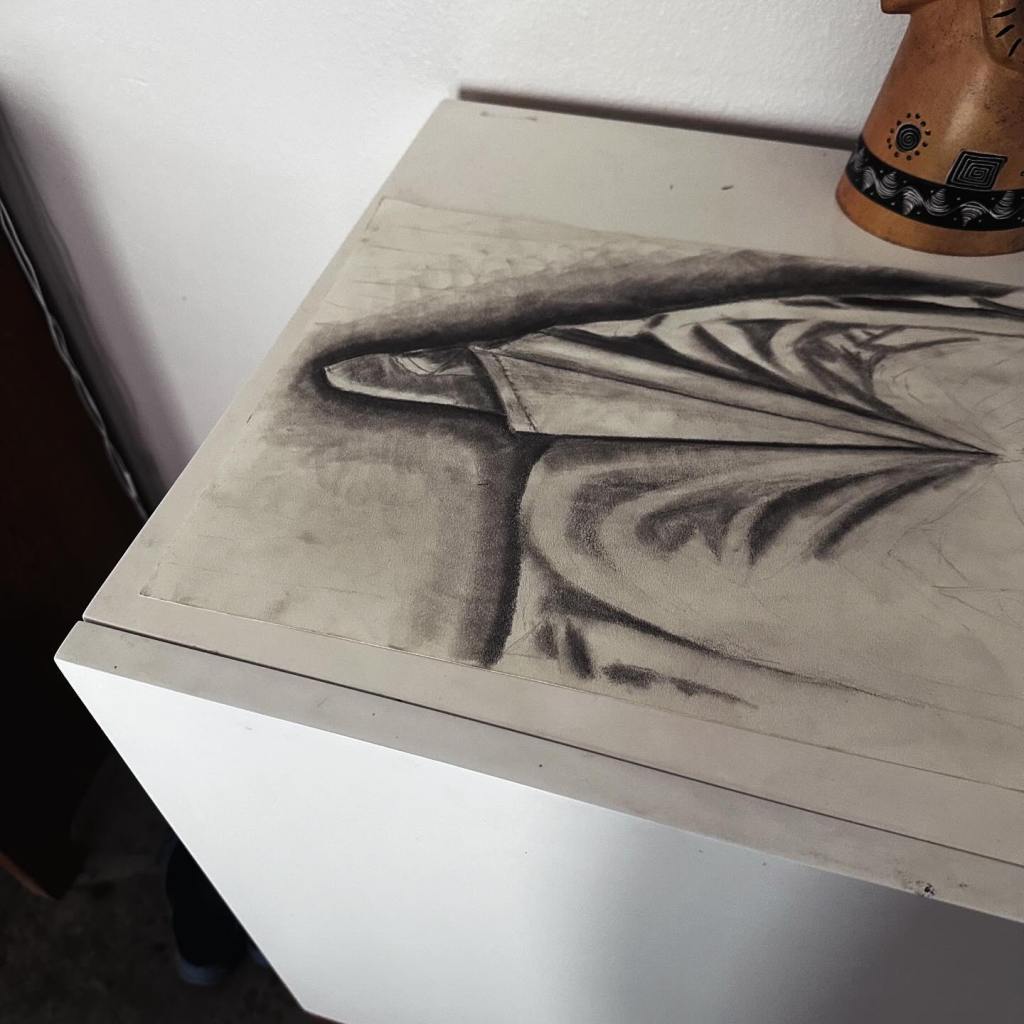
I was going to frame and hang this old sketch, but is tabletop art a thing? ✏️ #sketch #drawing #furniture #art #blackandwhite #austin #texas #atx #shotoniphone via Instagram https://instagr.am/p/C941pRUO7bX/
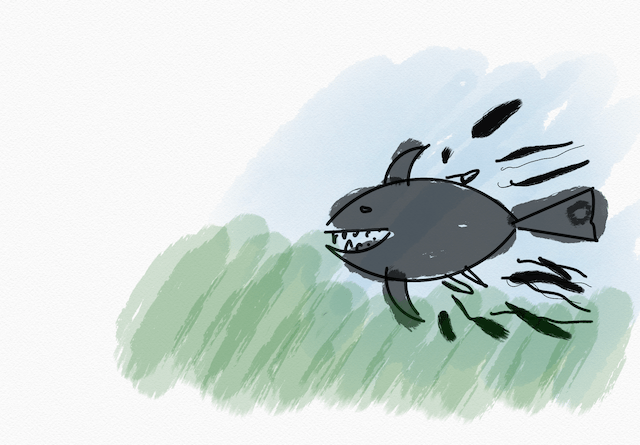
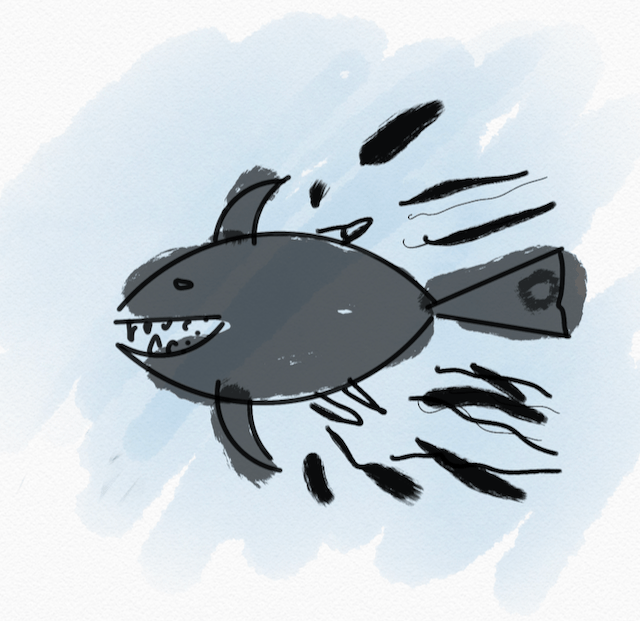
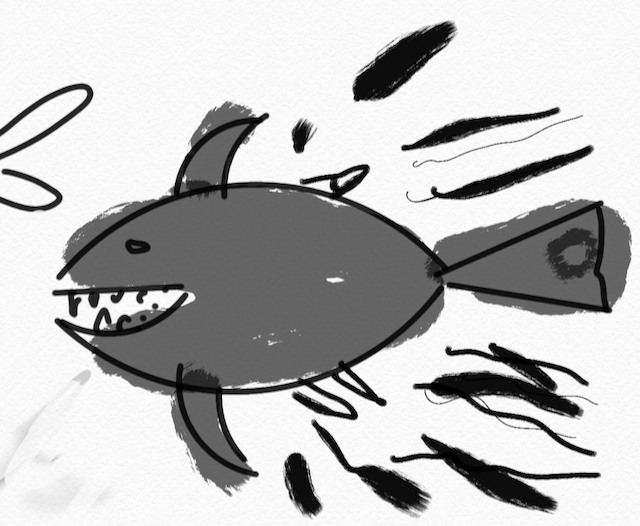
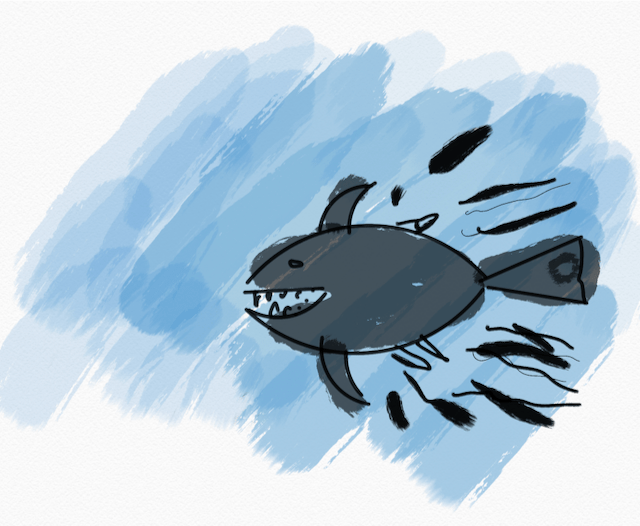
I wanted to do a shark as my next little drawing challenge.
I used an ellipse tool and a ruler with dark black ink for the basic shape, then added some watercolor for an intentional contrast in style and color. I played around with a few background layers; I think I like the medium-blue one best.
This sketch took about 10 minutes on my iPad as a little break after shopping at a Whole Foods, at which point I was happy with it, so I stopped.
It is a perfect shark drawing? No. Did I have fun doing it? yes.
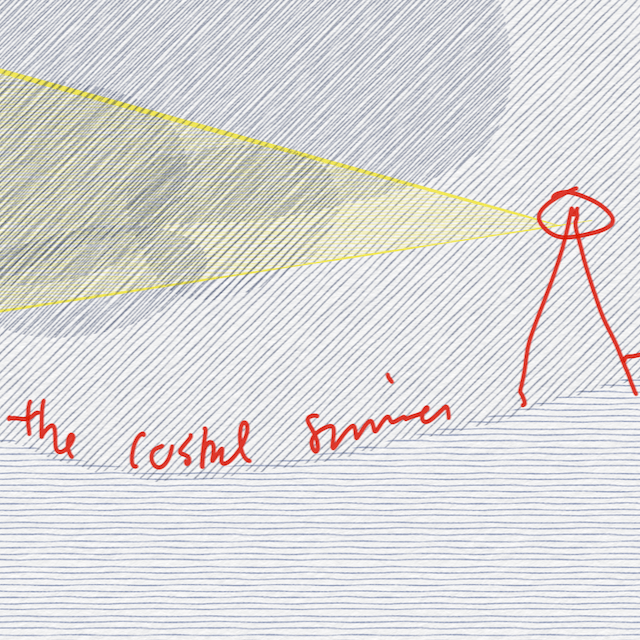
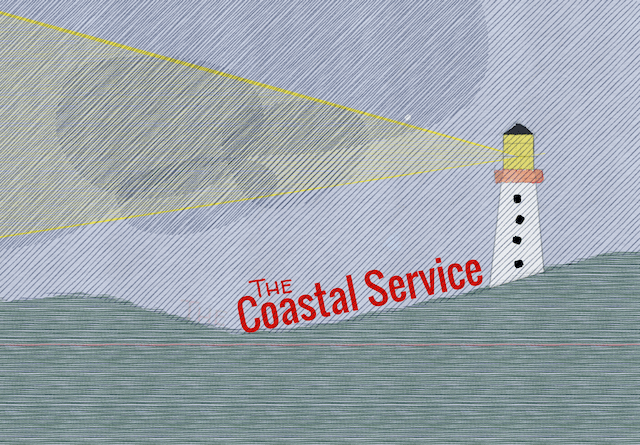
Just for fun, here are a few variations while trying to come up with a “visual” for The Coastal Service.
Rough sketch of my initial idea, using the Tayasui Sketches app on iPad. The first set was a good start, and I liked the colors.
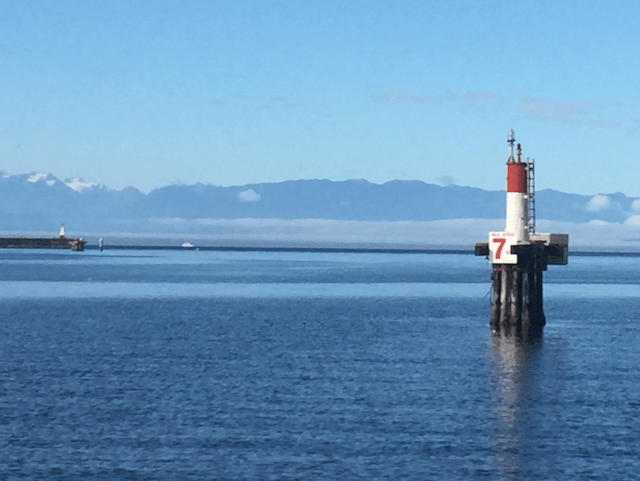
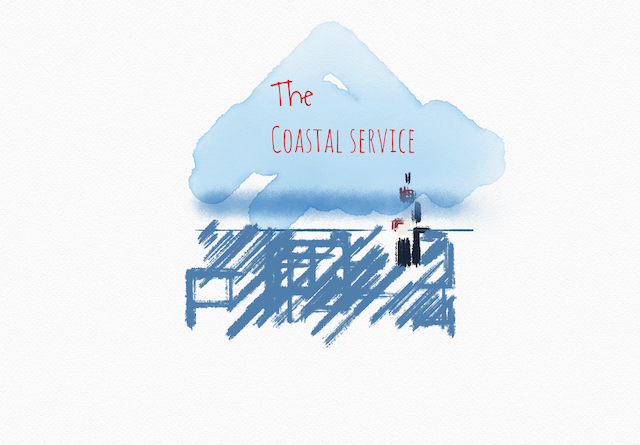
But I wanted to show some “danger” (a storm) and the light cutting through it. So we have set #2.
Among other elements, my first sketch of Austin produced a quick and simple downtown view using a ruler tool.
Inspired by that look, I decided to give downtown its own focus along with a more abstract river using Sketches app’s spline, fill, and ruler tools.
Here’s the result. I kind of like it! Yeah, it’s rough, but it’s supposed to be! 🙌

Playing around with this Sketches app on my iPad, today’s goal was a to learn how to “trace” something by hand. But what? I needed something simple to start.
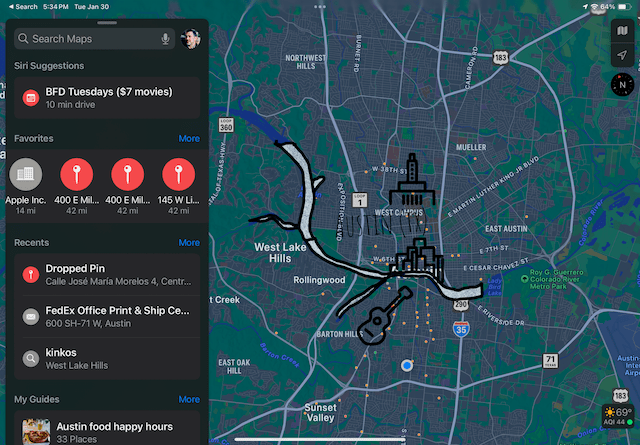
The Colorado River snaking its way through my city of Austin, Texas came to mind for its irregular curves. Using a Maps screenshot of Austin and layers in the Sketches app with my nifty new Pencil, I got a rough but realistic hand-drawn shape of the river.
Then I used the app’s ruler, fill, and text tools to make a quick, fun sketch of my town by neighborhood.

Here’s the project with the Maps screenshot layer shown.
 Mental Break Town