Basically, this pattern lets you “trigger” some user experience when some specified data changes.
In one example, when a list of messages changes, then the app automatically immediately trigger some haptic/sensory feedback. And it only takes one extra line of code.
The video provides the bigger picture of how SwiftUI works with great analogies to the real world for better understanding.
I thought I’d give this video the super summary treatment to boil it down the most ideas that you can absorb at a quick glance. Refer to the full video 👆 for more info.
SwiftUI tracks three main concepts on a view
Identity
Lifetime and state
Dependencies
Identity
Identity is how SwiftUI recognizes distinct elements throughout the view’s lifetime.
Identifiers should be stable and unique; it acts like a key. Multiple views cannot share the same identifier.
Choosing a good identifier is your opportunity to control the lifetime of your view and data.
Types of identifiers
Explicit identifiers are like a dog name and are set with the id parameter. An explicit id is helpful if you want to refer to the view from other views.
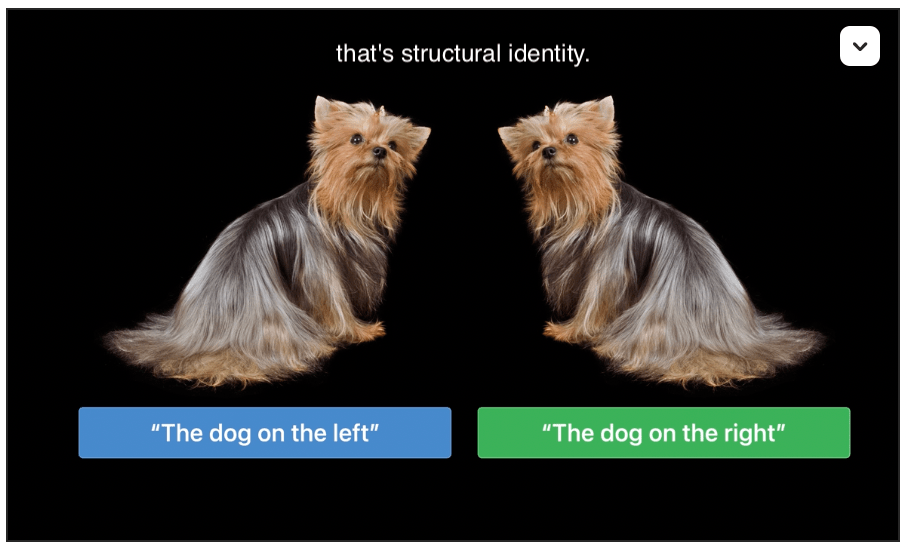
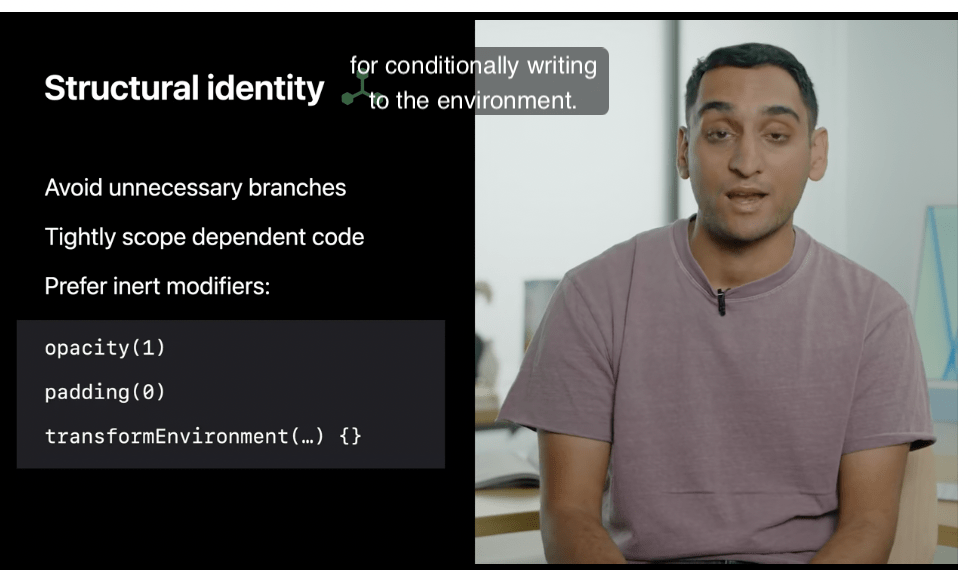
Implied identifiers are an inherent identity based on the view’s structure, represented as if statements and other conditions in SwiftUI.
Lifetime and state
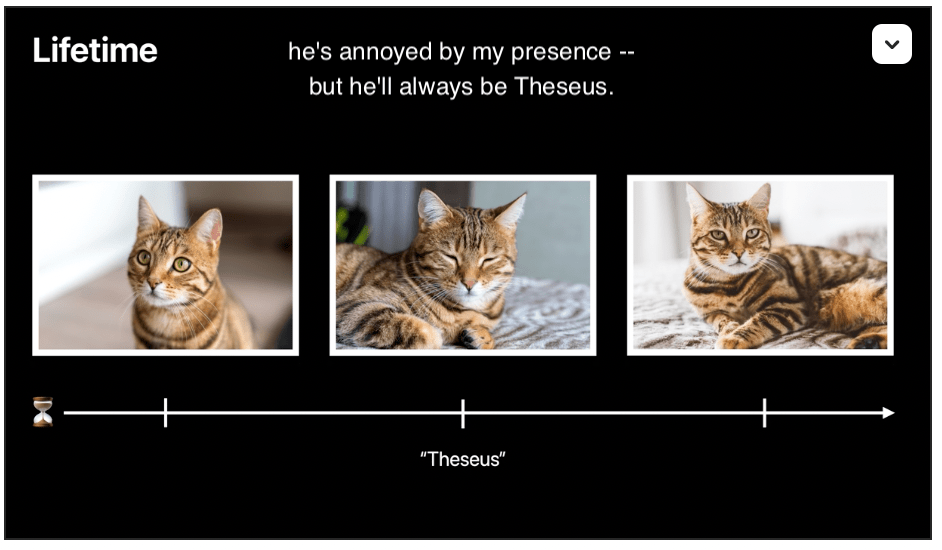
Lifetime tracks an existing view’s data over time. For example: the same cat (per identity) can be awake, asleep, annoyed, hungry, etc. over time.
Whenever identity changes, the state is replaced.
Dependencies
Dependencies are how SwiftUI understands when your UI needs to be updated.
Dependencies are the vars on the view, ie. Binding, State, Environment, ObservableObject, etc.
These data elements combine to create a dependency graph that SwiftUI uses to trigger view updates.
Tip
Inert modifiers are cheap and encouraged over branches (structurally different, separate implied identifier).
Here’s a little Christmas present of sorts for us iOS developers: a fresh new SwiftUI tutorial from Apple. The whole course takes about 4 hours and lets you build a niceeeee-looking scrum app from scratch. 🤩
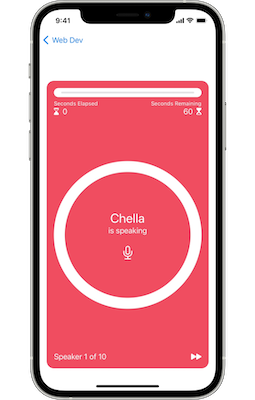
This course guides you through the development of Scrumdinger, an iOS app that helps users manage their daily scrums.




 Mental Break Town