
I’m filing this away as an architecture guide for SwiftUI because it’s recommended by iOS Dev Weekly. 👍
👉 MVP + Coordinators in SwiftUI (part 1)
This is part 1 of a 3-part series and has a supporting GitHub repo.
I’m filing this away as an architecture guide for SwiftUI because it’s recommended by iOS Dev Weekly. 👍
👉 MVP + Coordinators in SwiftUI (part 1)
This is part 1 of a 3-part series and has a supporting GitHub repo.
Are you wondering how to get some information from one component to another in SwiftUI? Too many options to consider? This helpful post walks you through all the scenarios.
👉 View Communication Patterns in SwiftUI
Cheat sheet:
Via iOS Dev Weekly.

Developing features for a large, established app, I often run get slowed down trying to throw together a new screen. You have to find the right spot in the code to update, build the whole app (not just what you changed), log in, and drill down to the right spot to try out your creation. Something’s off? Do it all over again.
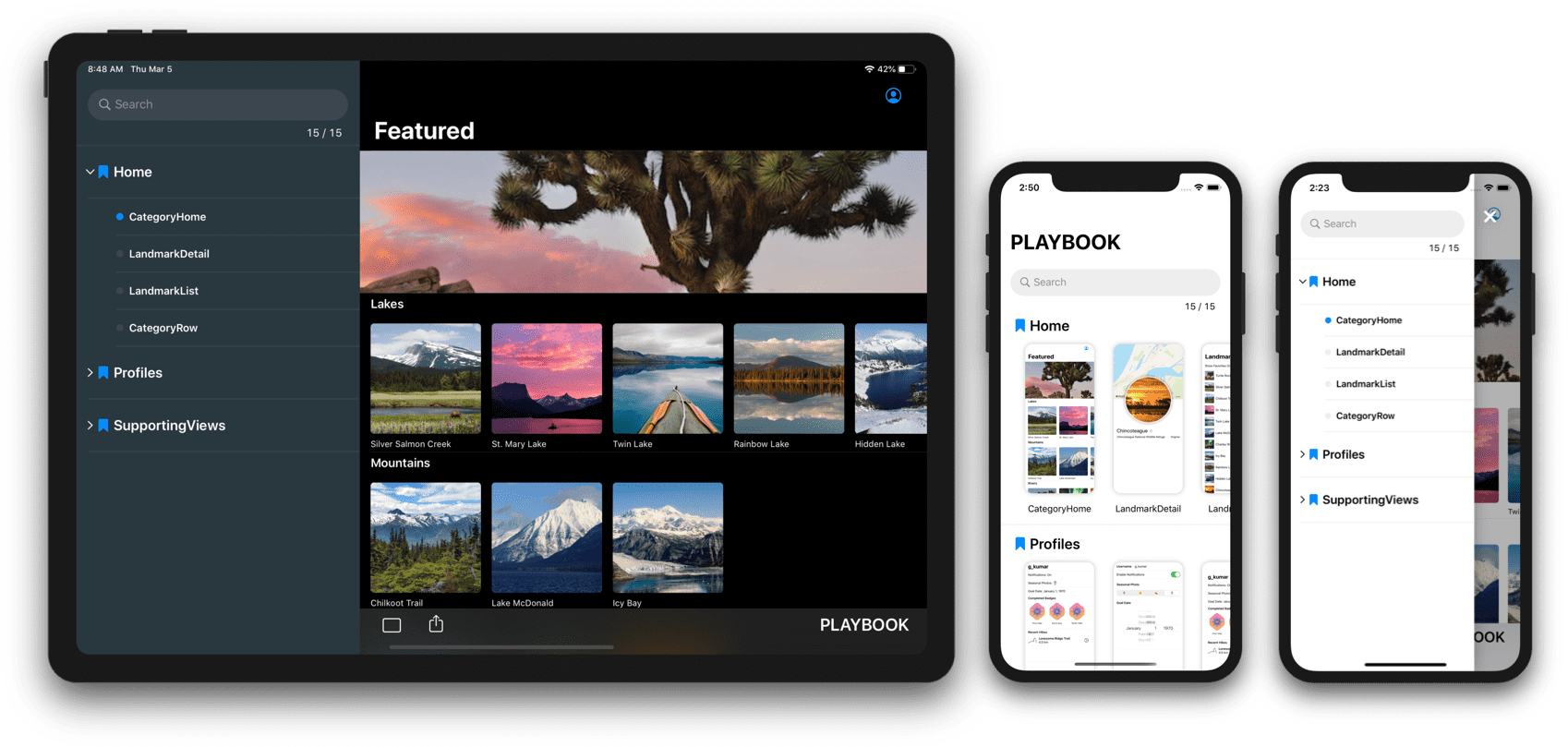
Which is why I love the idea of the Playbook library, which is “a library that provides a sandbox for building UI components without having to worry about application-specific dependencies.” Yass! 🤟
Supports both SwiftUI and UIKit.
Via iOS Dev Weekly.
iOS Dev Weekly recently listed two great tools for downloading and caching images in your iOS app.
FetchImage makes it easy to download images using Nuke and display them in SwiftUI apps.
👉 Introducing FetchImage | on GitHub
FetchImage is a SwiftUI component built on top of Nuke.
Nuke provides a simple and efficient way to download and display images in your app.

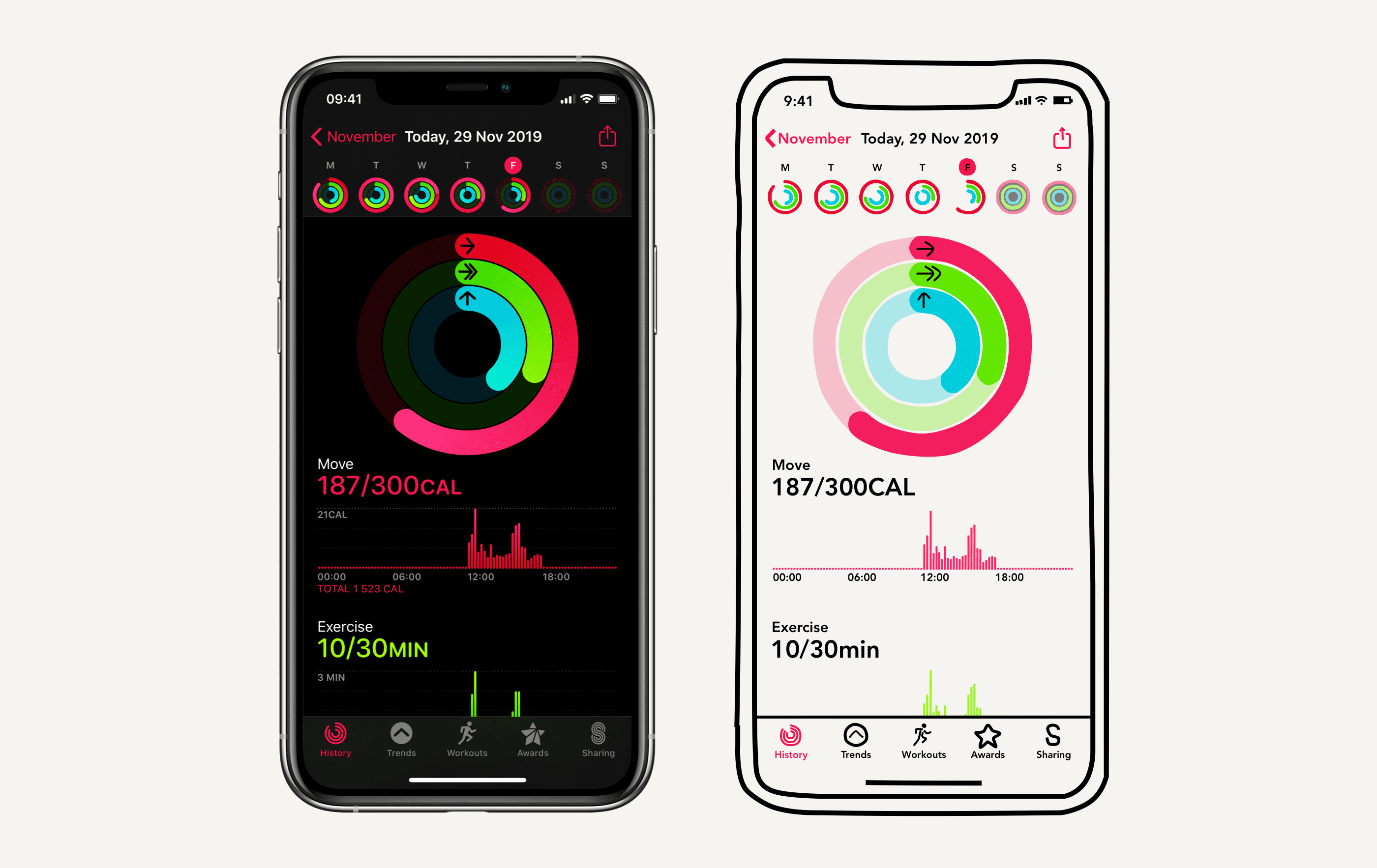
This post recreates Apple’s Activity app using SwiftUI. So cool!
👉 SwiftUI Tutorial: Replicating the Activity Application
Via iOS Dev Weekly.

 Mental Break Town