
Emojis make everything more fun, even debugging. (I also like to use emoji for variable names. 🤷🏻♂️).
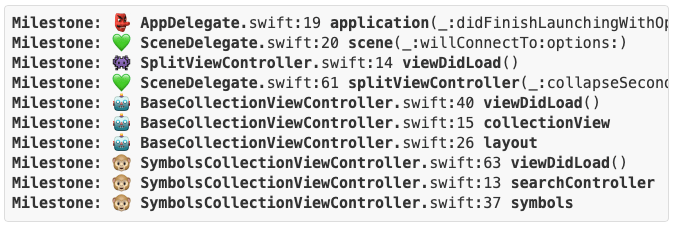
Emojis make everything more fun, even debugging. (I also like to use emoji for variable names. 🤷🏻♂️).
An interesting way to speed up your build/run/test cycle on big Swift projects.
👉 Barber: Fast build times for big Swift projects
Why compile your whole app and run the same steps to navigate to it every time you run when you’re just working on a single view controller or a smaller section of your app?
Via iOS Dev Weekly.
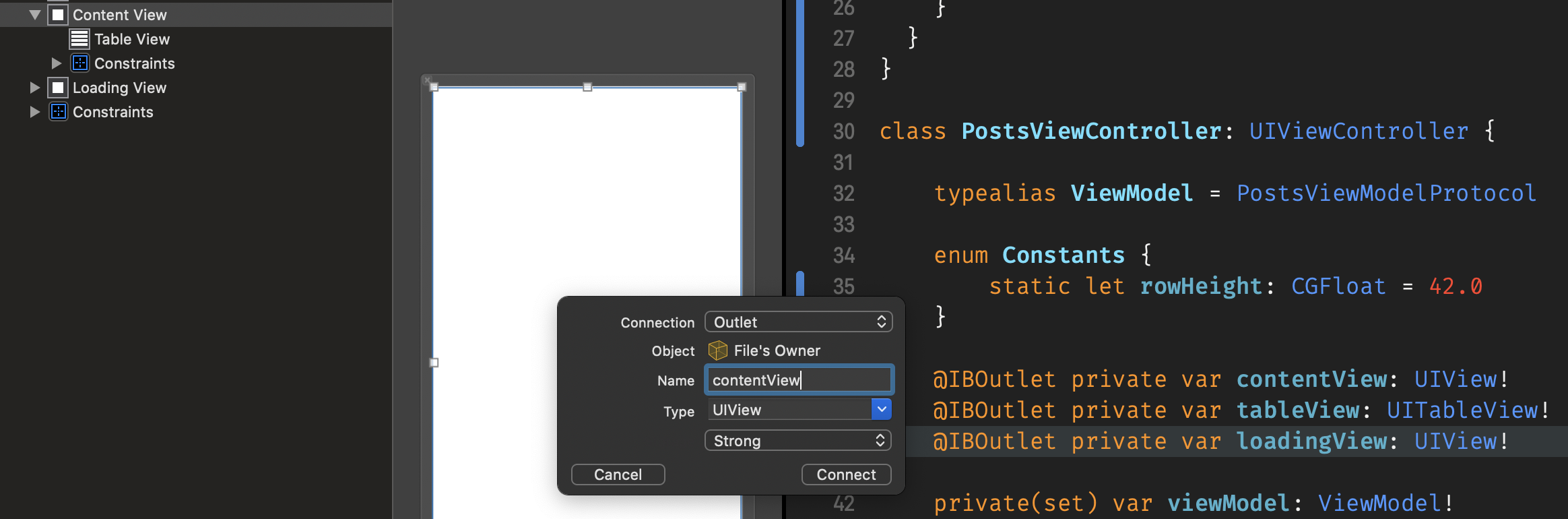
Use the ! on Swift @IBOutlet properties always bugged me. It seems like that part Interface Builder / Storyboard was just broken.
And here, my friends, is an elegant solution using the @Delayed property wrapper. 👏
👉 Stop force unwrapping IBOutlets with @Delayed
Via iOS Dev Weekly.
Very useful! iOS-project-template gives you a fresh Xcode iOS project with Cocoapods, Swiftlint, compiler performance profiling flags, Dev/Staging/Production configurations, and more.
And it even has a companion article for some background.
👉 iOS project best practices and tools with an open-source Xcode project template

Essential Xcode Shortcuts for More Efficient Coding
— Read on medium.com/flawless-app-stories/essential-xcode-shortcuts-for-more-efficient-coding-1f8e58b2c907
 Mental Break Town